What's new in Must Read 3.7.2
Must Read 3.7.2 brings the book you're reading to you the moment the app starts, and a fox to empty screens. Plus a reader that holds your place, clearer shelves on Explore and a handful of fixes.
Your book, the moment the app starts
Open Must Read and the logo turns into the book you're reading, then flies to its place at the top of Explore. The first thing you see is the book you're in the middle of.
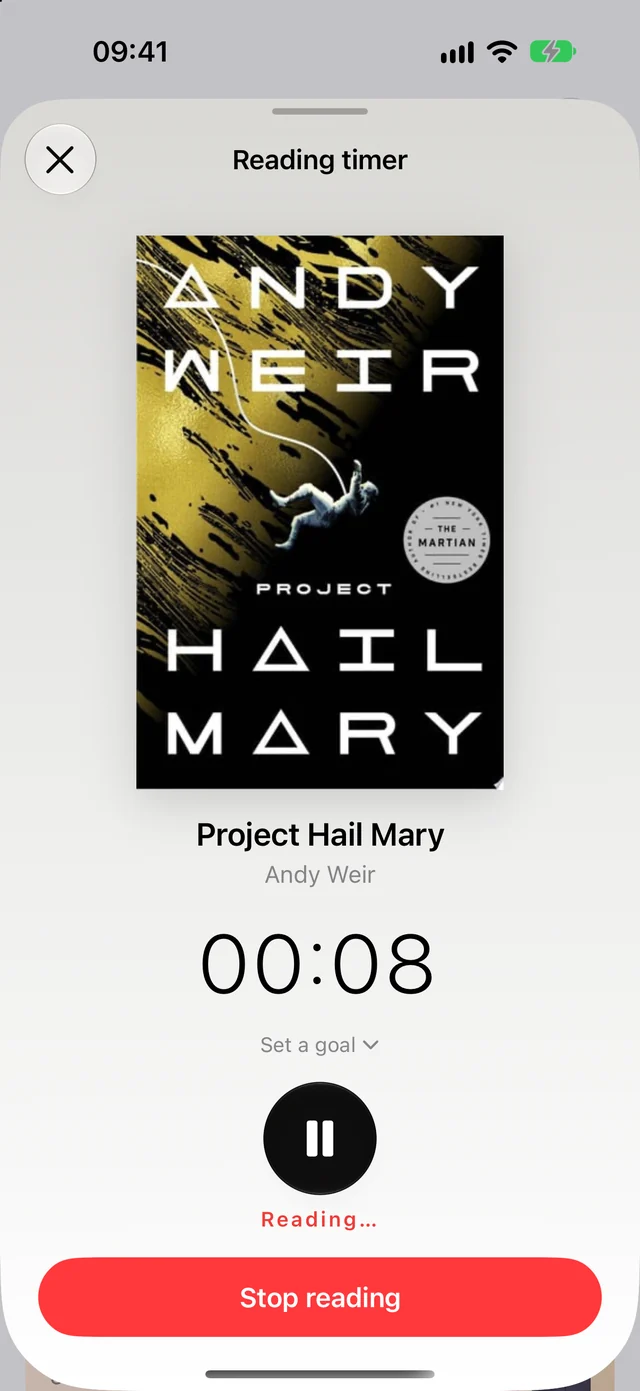
If a reading timer is running, it keeps ticking the whole time.
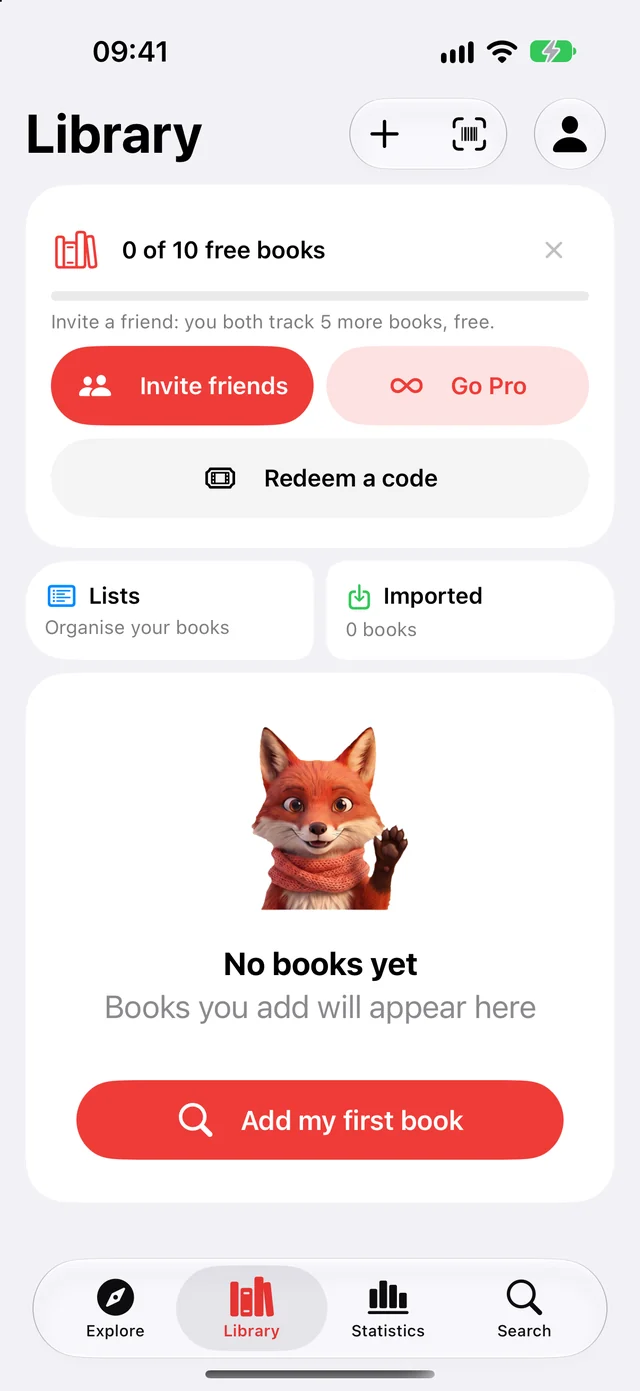
A fox on empty screens
Places that used to show nothing now have company. A fox waits in an empty Library, in a search with no results, at the end of an import and on a few more screens where there was nothing to look at before.
Explore, closer to home
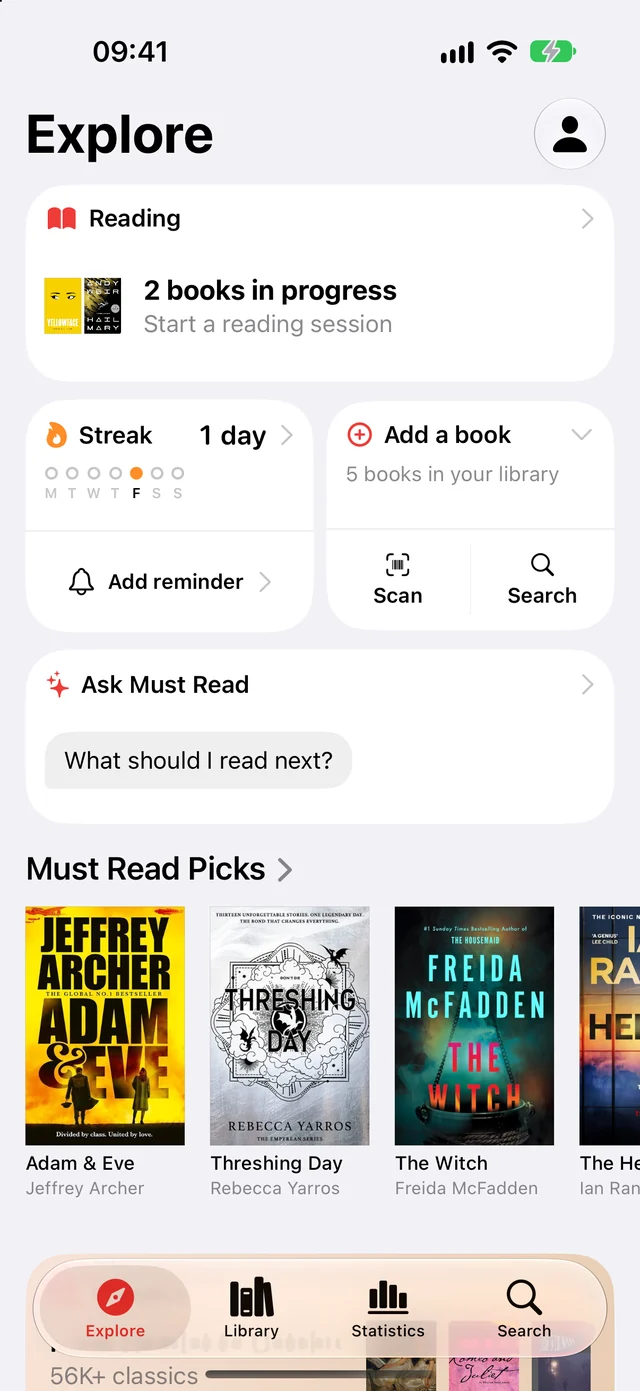
Explore now shows your own country's shelves, even if they arrived after you installed the app.
Shelf headers are simpler too. Each one is just the shelf's name and a small arrow, and the whole header is the button: tap anywhere on it to see every book on the shelf.
A reader that holds your place
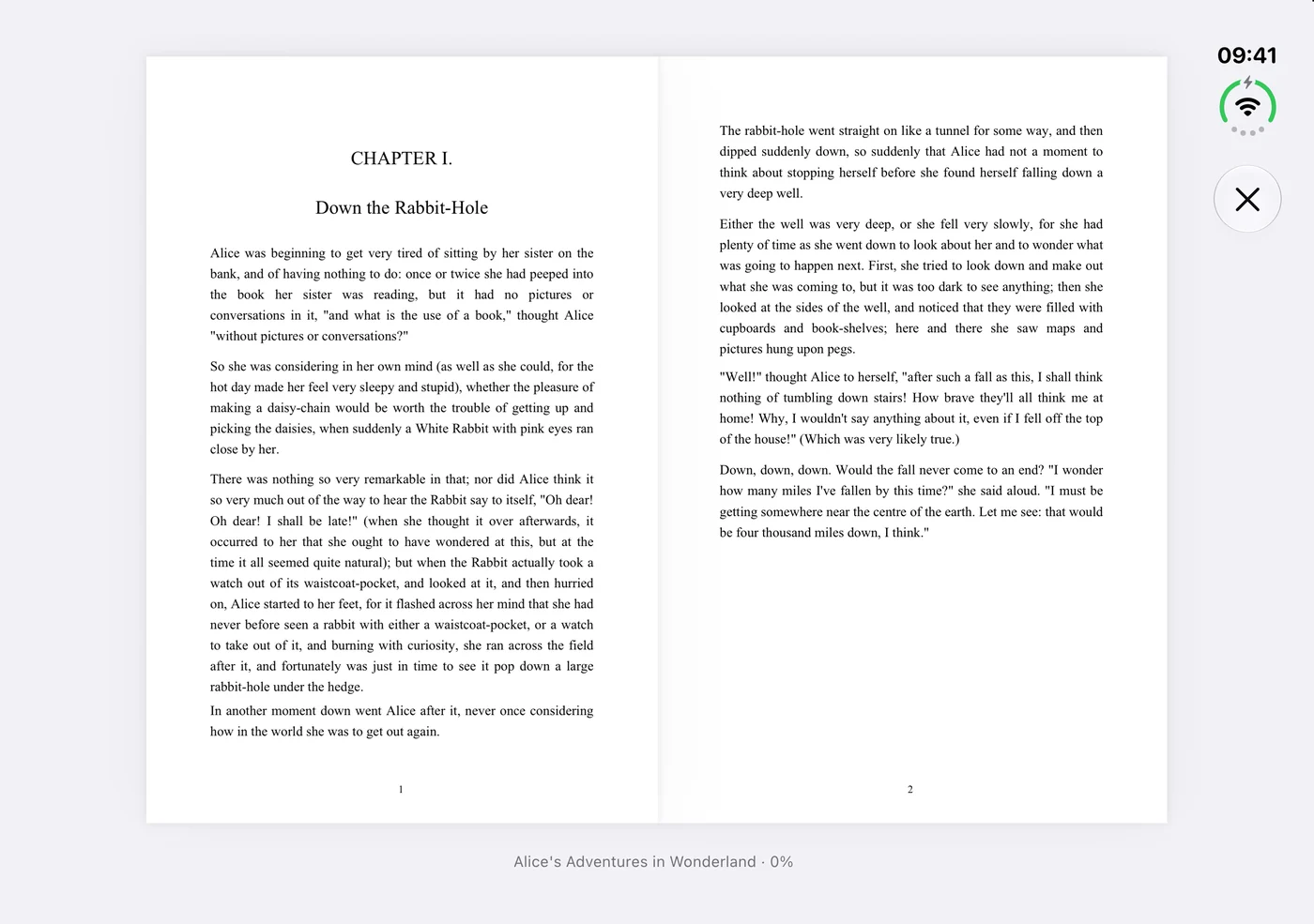
Your place holds when you rotate the screen, fold or unfold iPhone Duo, or switch devices.
In landscape, PDF pages now slide across as you turn them, and keep the same size from one page to the next.
The line at the bottom of the page now shows the chapter's own name, taken from the book's contents.
Book pages and covers
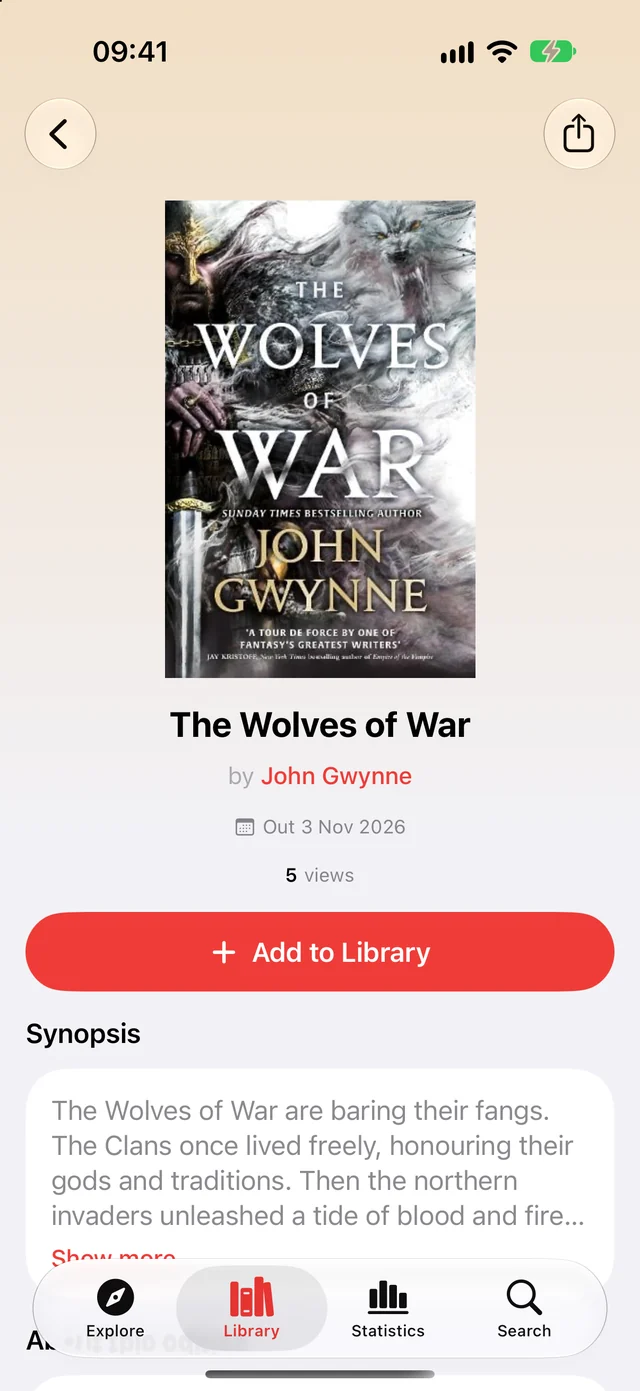
Books still to come now show their release date, on the book page and in lists, so you know when to look out for them. Look for Out followed by the day or the month.
Tall, narrow covers show in full, instead of losing the title or the author's name at the top or bottom. The whole cover sits in the middle, with a soft blur of it filling the sides.
Audiobooks and the timer
When you set your place in an audiobook, you can now enter the time left as well as the time listened. Switch between Listened and Time left, and Must Read does the sum for you. Handy when another player counts down rather than up.
On iOS 26 and later, the reading timer's pause button and the audiobook player's controls now use Liquid Glass.
Book files in Import library
Pick an EPUB or PDF in Import library and it goes straight to Imported books, ready to open and read. Tap Add to Imported books, then Open book, and you're on the first page.
And everything else
Reading calendar
A book opened from the Reading calendar now lands on top, not hidden behind the calendar.
Full titles in large text
At the largest text sizes, the book page shows the whole title and author.
More Apple Books ratings
More books with Cyrillic or Japanese titles can now show their Apple Books rating on the book page.
Ratings on iPad
On iPad the Ratings card on a book page keeps every rating on one line, with the stars in one column.
Something missing? Tap Contact us in your Profile.
Ready to start reading?
Free with up to 10 books. Pro from $4.99/month or $79.99 lifetime.


iOS 18+ · iPhone, iPad and Apple Watch