What's new in Must Read 3.7.4
Must Read 3.7.4 is made for iOS 27 and iPhone Duo. Share your reading from one place, see your year at a glance, and find books faster.
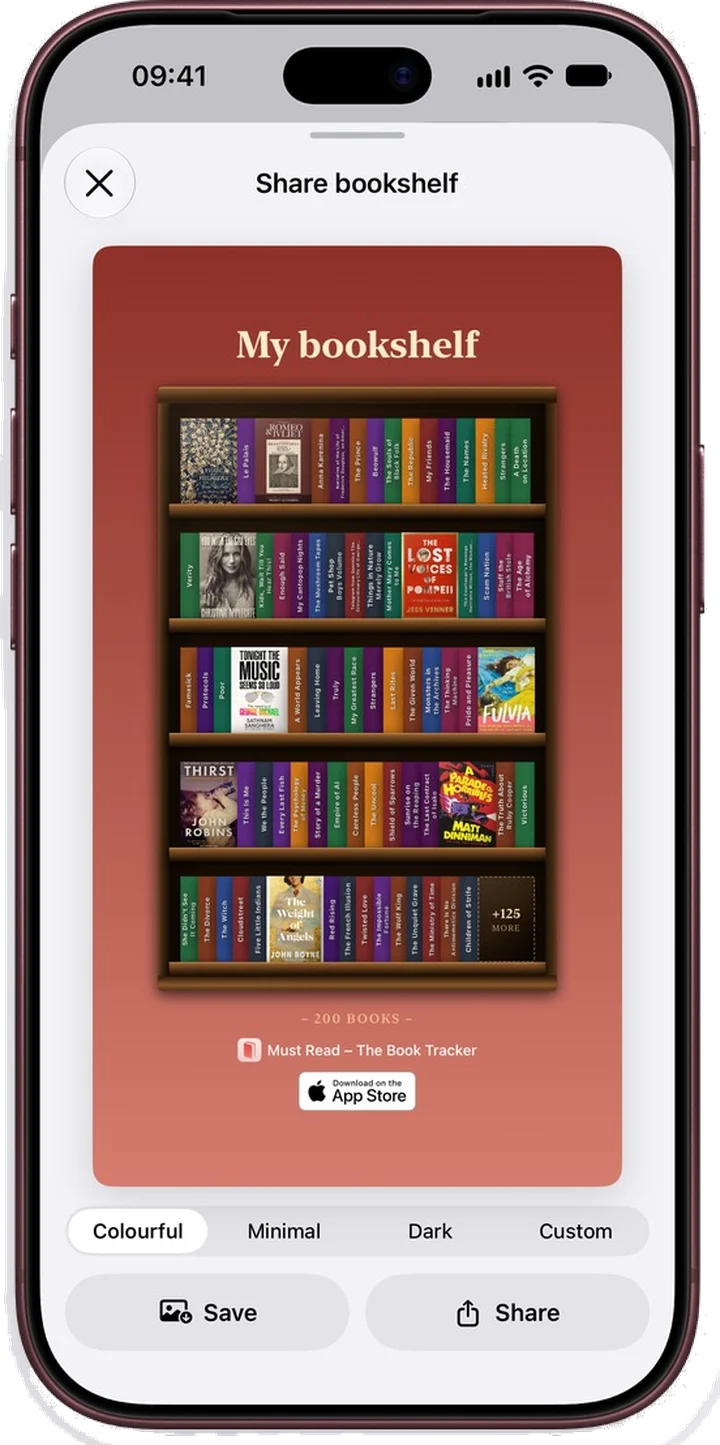
One Share sheet for every button
A book, the 3D view, a list, your bookshelf and Statistics now share through the same sheet. Pick Colourful, Minimal, Dark or your own colour, in story or square size.
Then save it, share it, or send it straight to Instagram Stories.
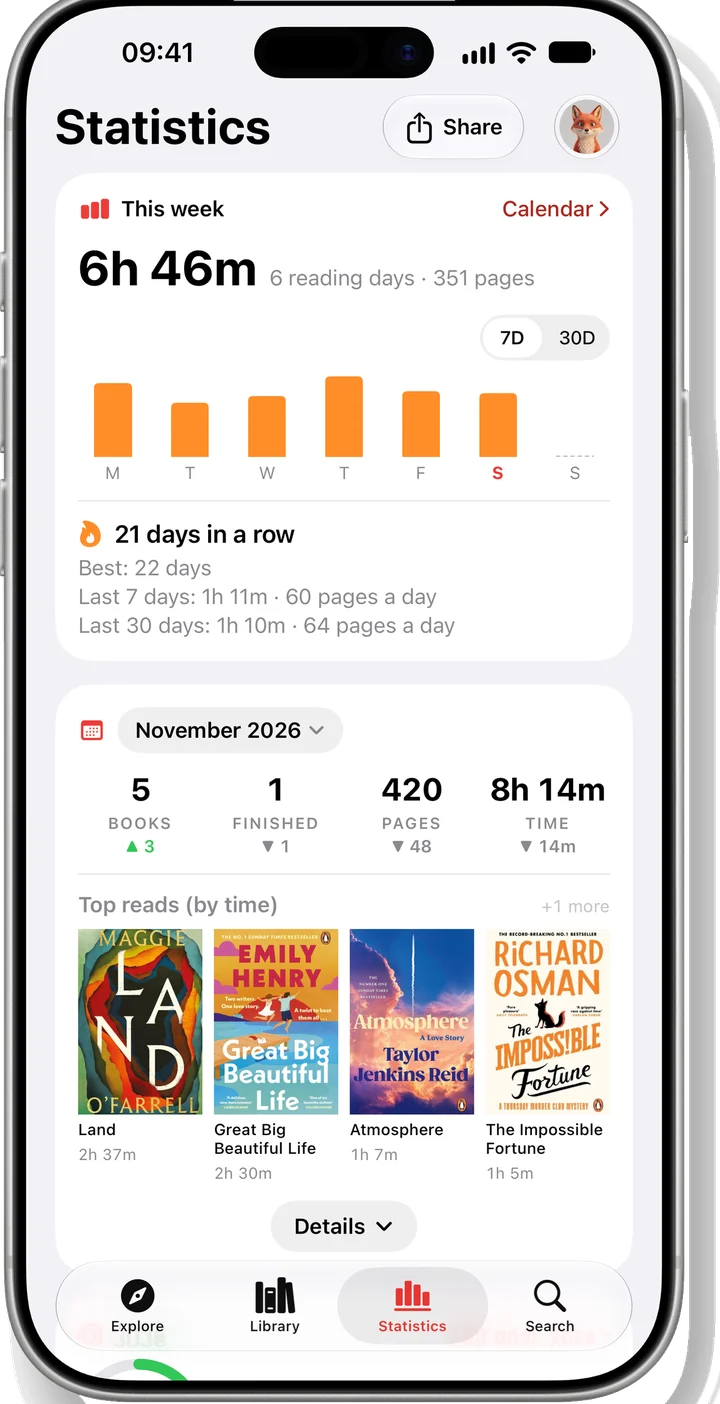
Statistics, as a ladder of cards
Statistics now opens on a ladder of cards: this week with your streak, the month against last month, your books and your goal. Tap Share to pick a card.
The Reading calendar is quieter too. See the whole year as twelve small months, and add a session right from a day. Each book also has its own reading stats: this week, this month, all time, and your pace.
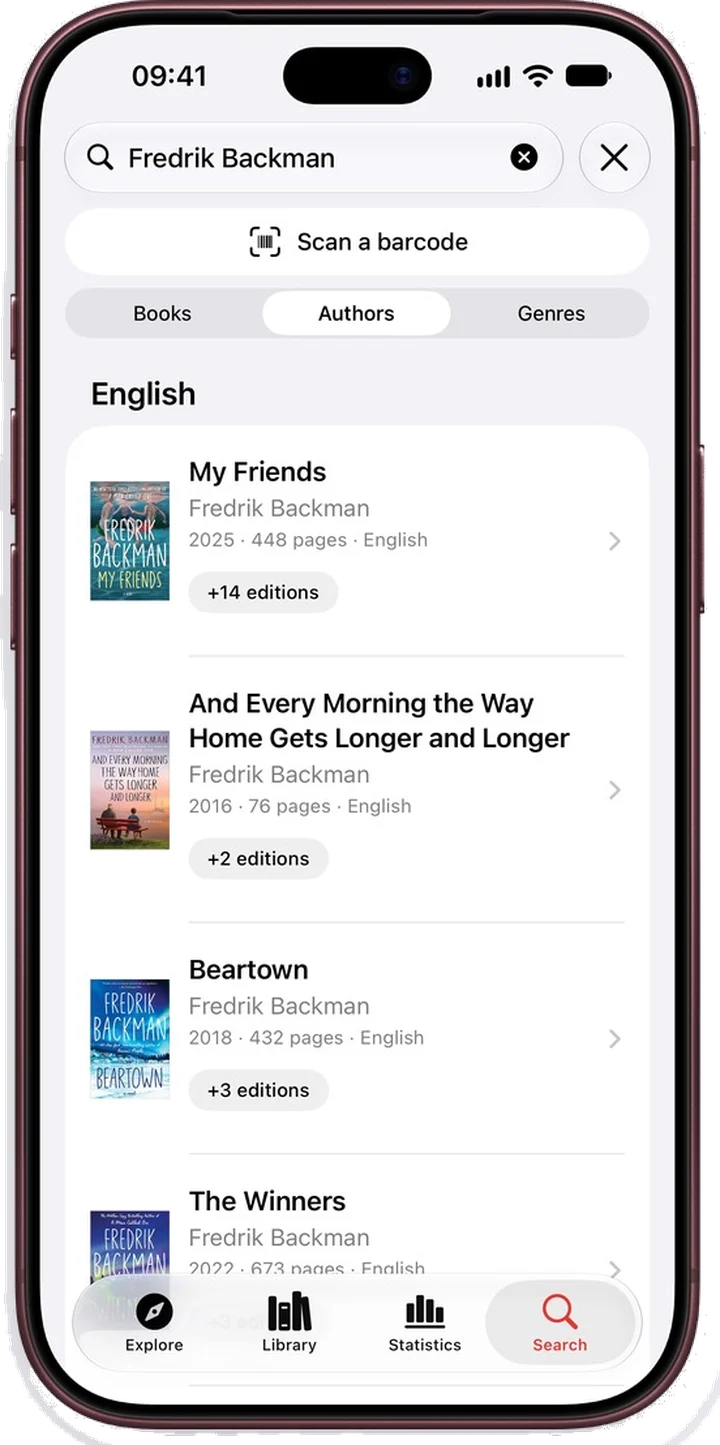
Search reads like a library
Type a name and you get an author card. Every row has a cover, editions are folded together, and results come in the language you type.
Before you type, Search shows Scan, your recent searches and what is trending in your country.
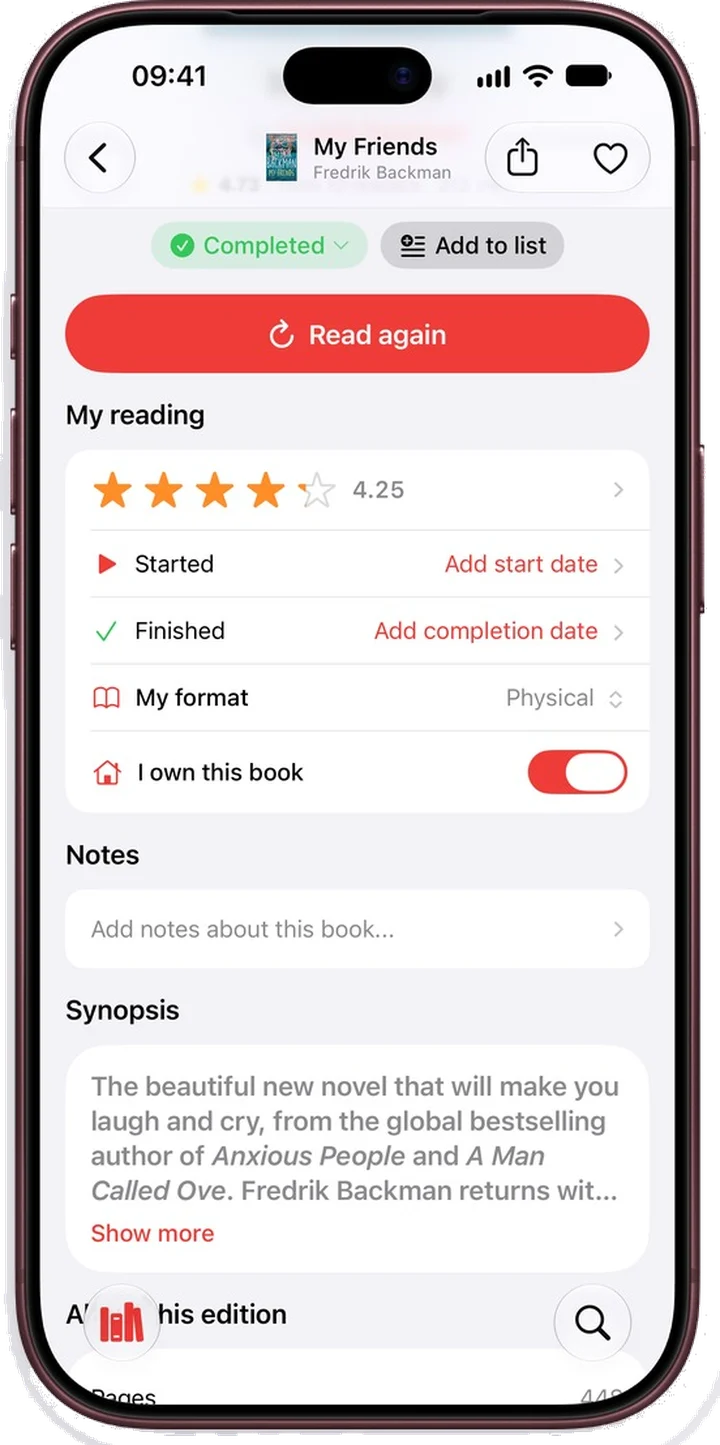
I own this book
Mark the books you own, then filter your Library by Owned or Not owned. Want to Read plus Not owned is your to-buy list.
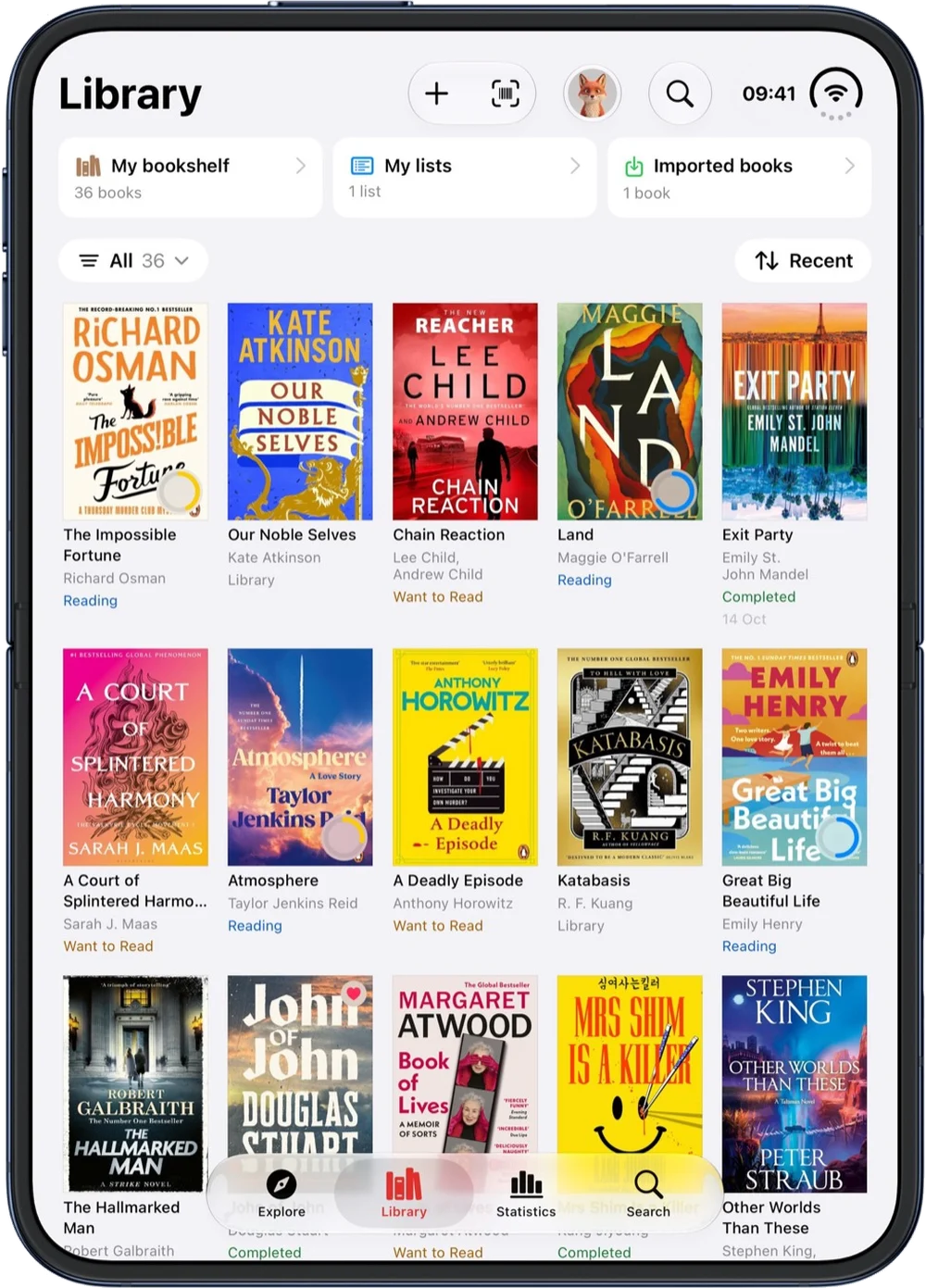
Library now has one menu to filter and sort, and your choice stays. Swipe or long-press a book to start reading at once.
3D and iPhone Duo
The 3D view opens faster and shows printed spines. It can turn the book on its own, and save a video to share.
On iPhone Duo, every screen follows the fold, the layout moves smoothly when you fold or unfold, and the tabs stay put in book pose.
And everything else
Open app on
A new setting: start on the tab you use most.
Moved to a new iPhone?
Library shows Your books are saved, and one sign-in brings your library back.
Reading sessions
A session that iOS ended carries on when you reopen the app.
Larger text
Easier to read at the largest text sizes, with stronger contrast and better VoiceOver.
Profile, Settings and Lists
Tidier Profile and Settings, and Lists that say who can see them.
Apple Books links
Apple Books links now go to the same book only. Plus many small fixes.
Something missing? Tap Contact us in your Profile.
Ready to start reading?
Free with up to 10 books. Pro from $4.99/month or $79.99 lifetime.


iOS 18+ · iPhone, iPad and Apple Watch