A new look for Must Read on the App Store
On iOS 27 the App Store gives each app a moving header on its page and its own card in search results. Here is Must Read's, with new screenshots made on iPhone Duo.
What changed on the App Store
Since iOS 27 and iPadOS 27, an app's page on the App Store can open with a wide header, and a search can show one large card for an app instead of a row of screenshots. On earlier versions of iOS, the App Store still shows screenshots.
Must Read's header and search card went live with Must Read 3.7 on 12 October.
The header
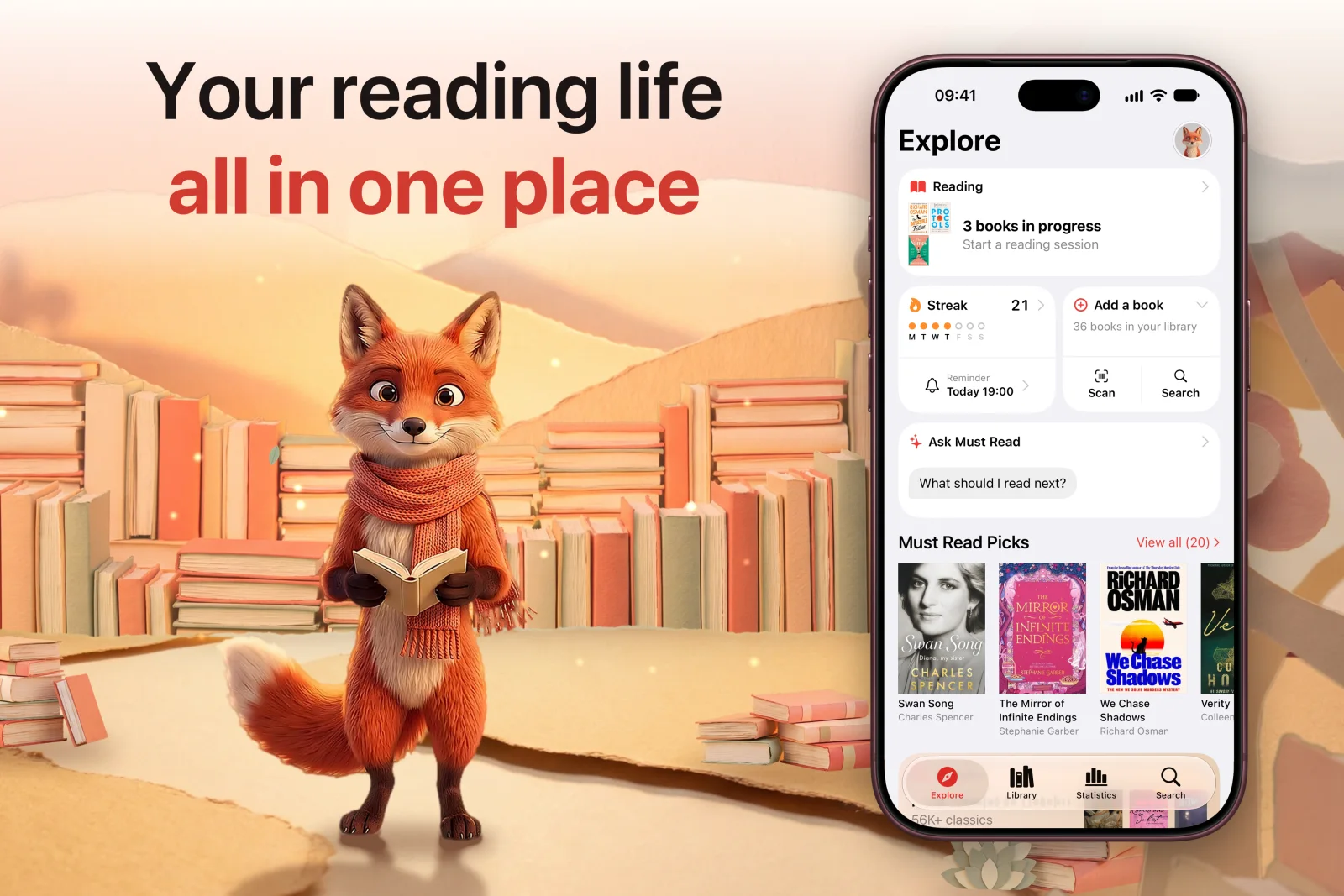
The top of Must Read's page now opens on our reading fox, among paper-cut hills of books at sunset. It plays for 16 seconds without sound, then starts again.
In search results
When Must Read comes up in an App Store search, it now shows one large card: Your reading life, all in one place, with the fox beside the app's own Explore screen.
Screenshots for iPhone Duo
iPhone Duo has its own set of screenshots on the App Store. Must Read's ten were made on iPhone Duo itself, in every language the app's page speaks.
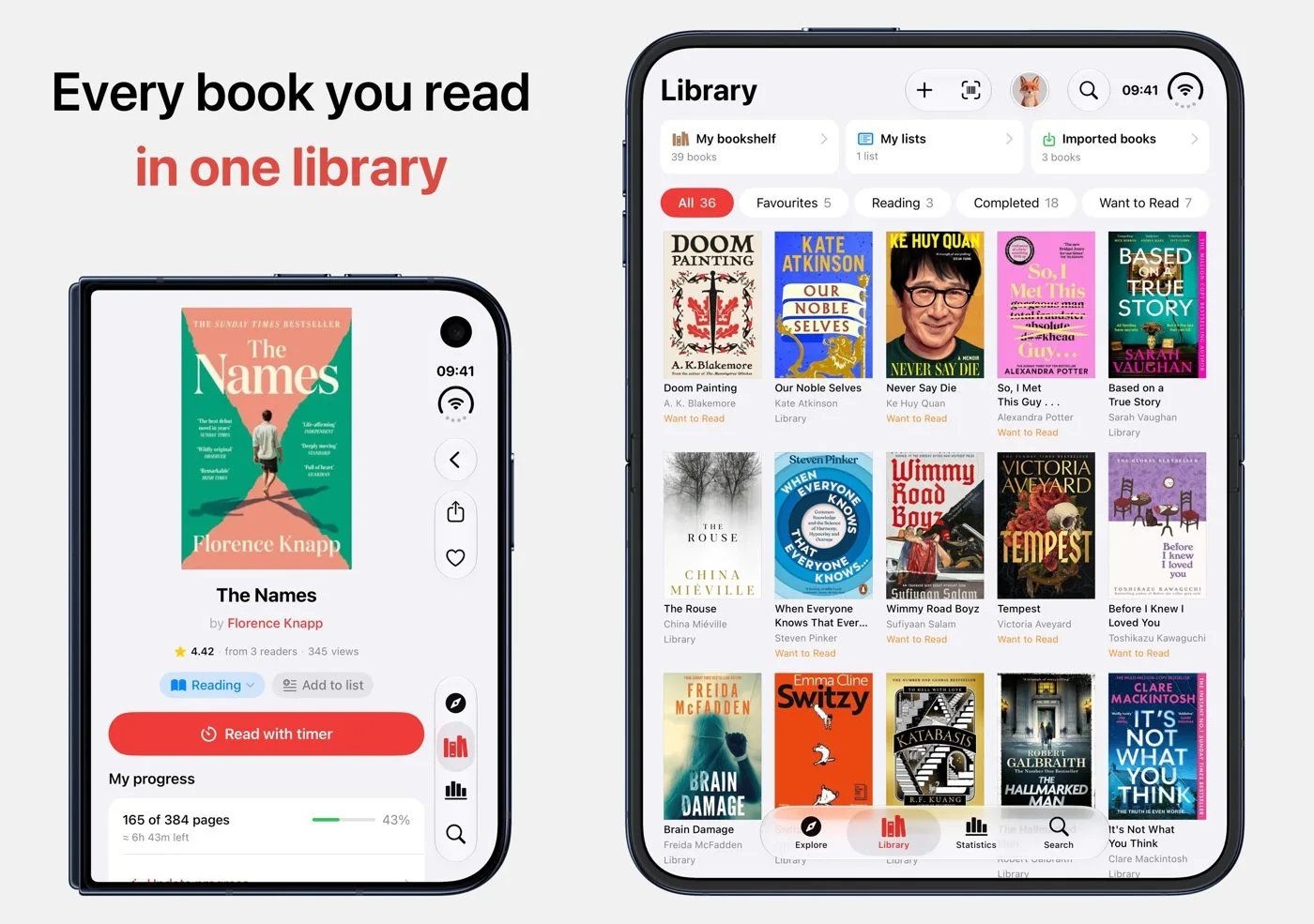
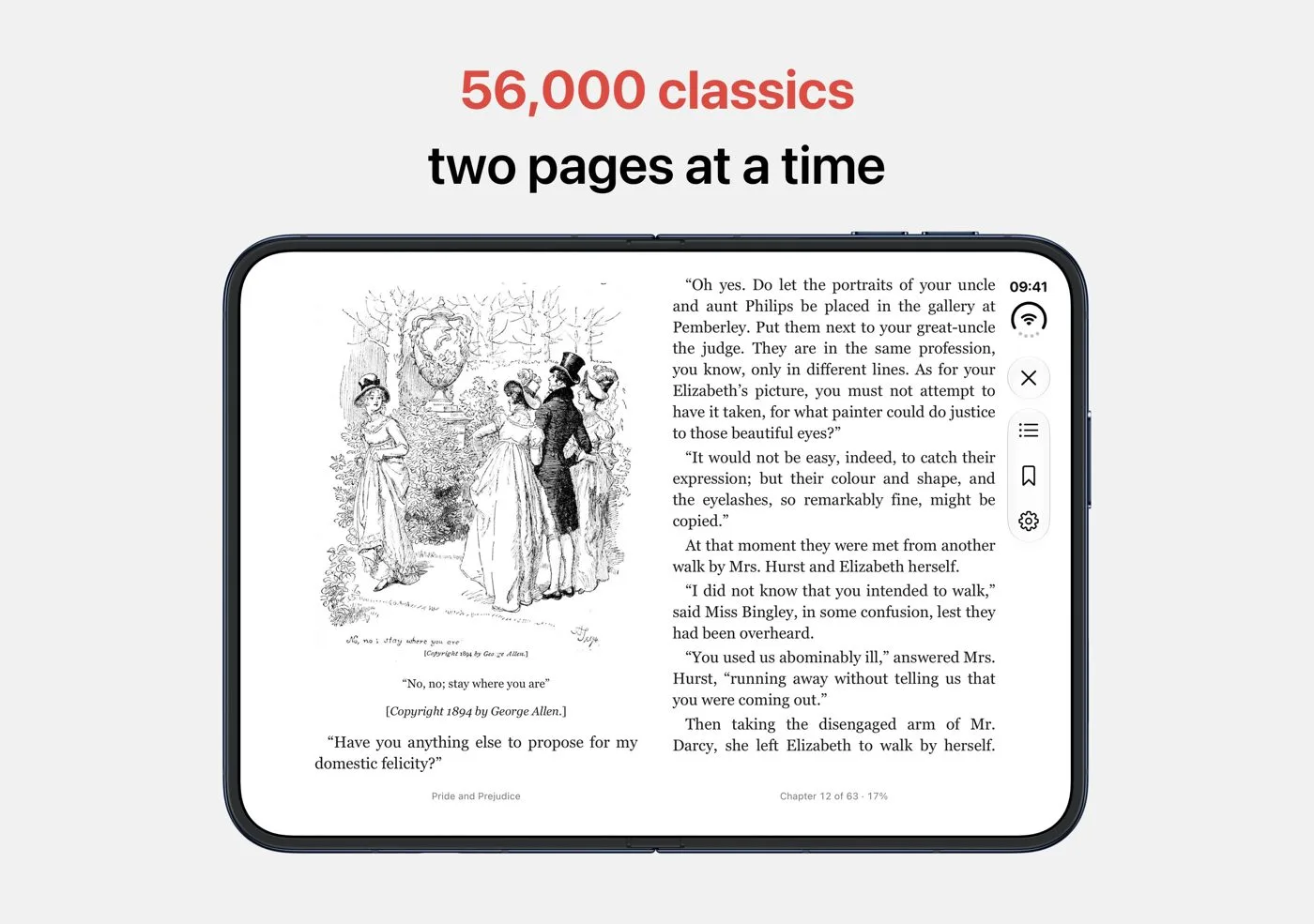
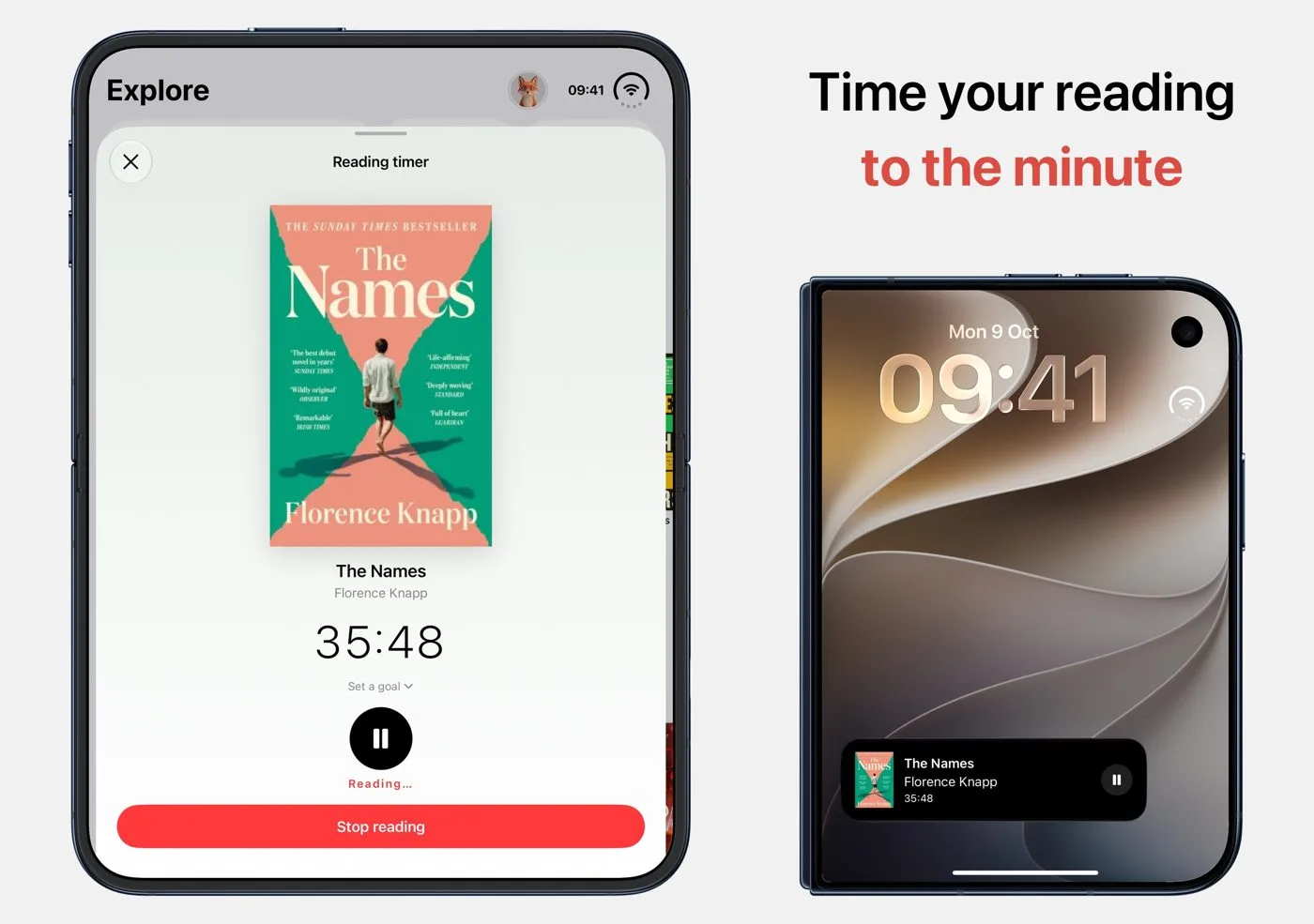
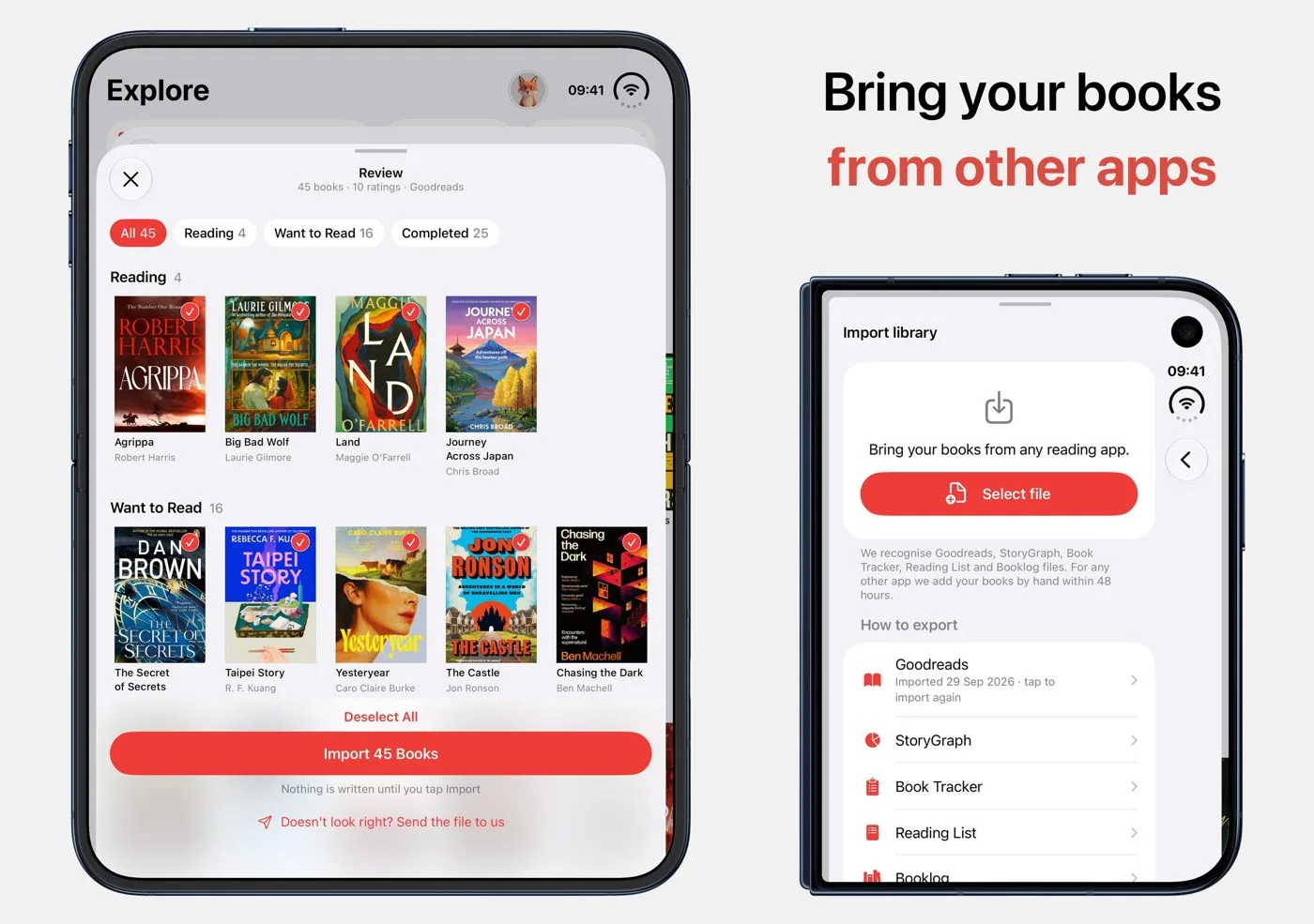
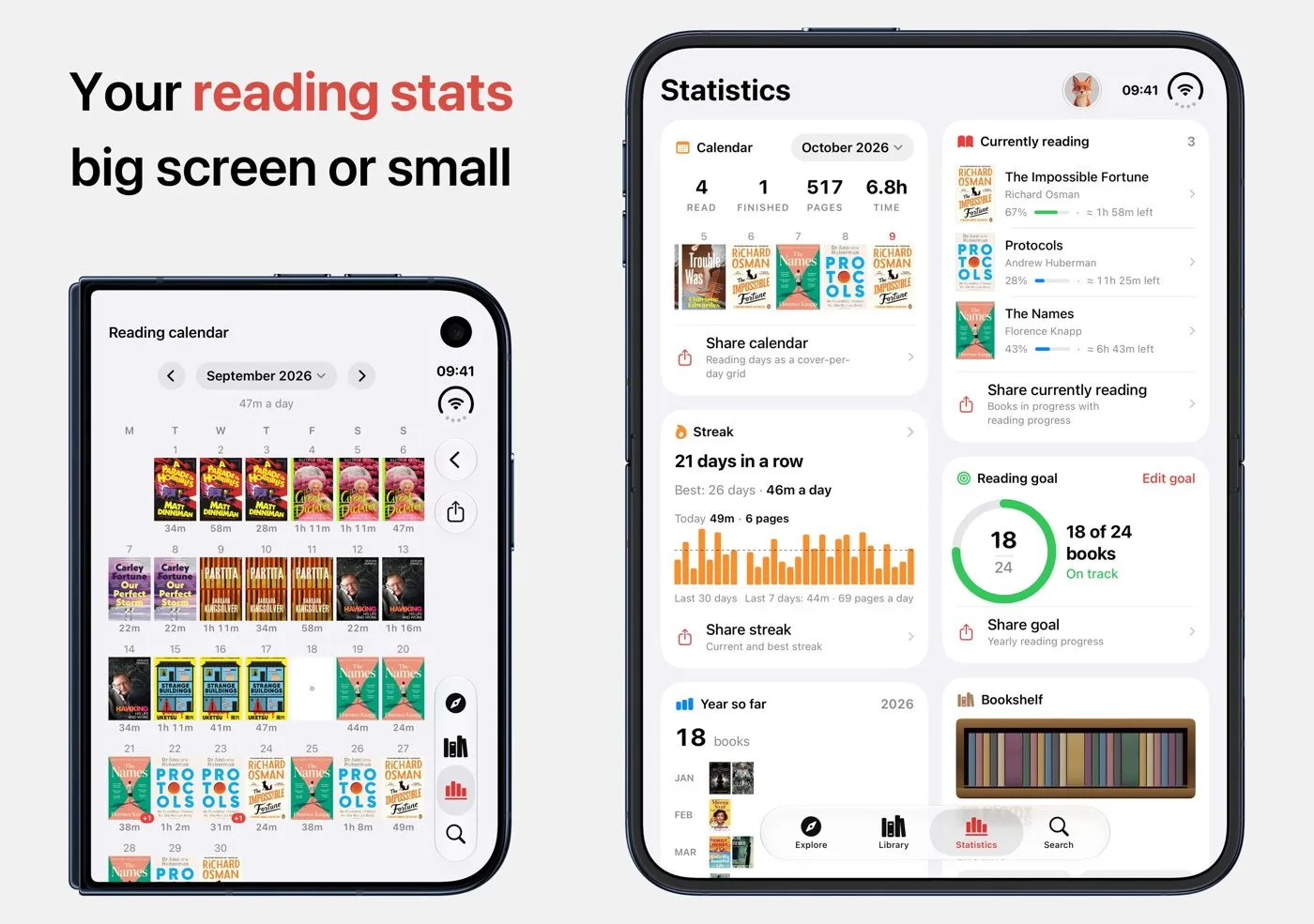
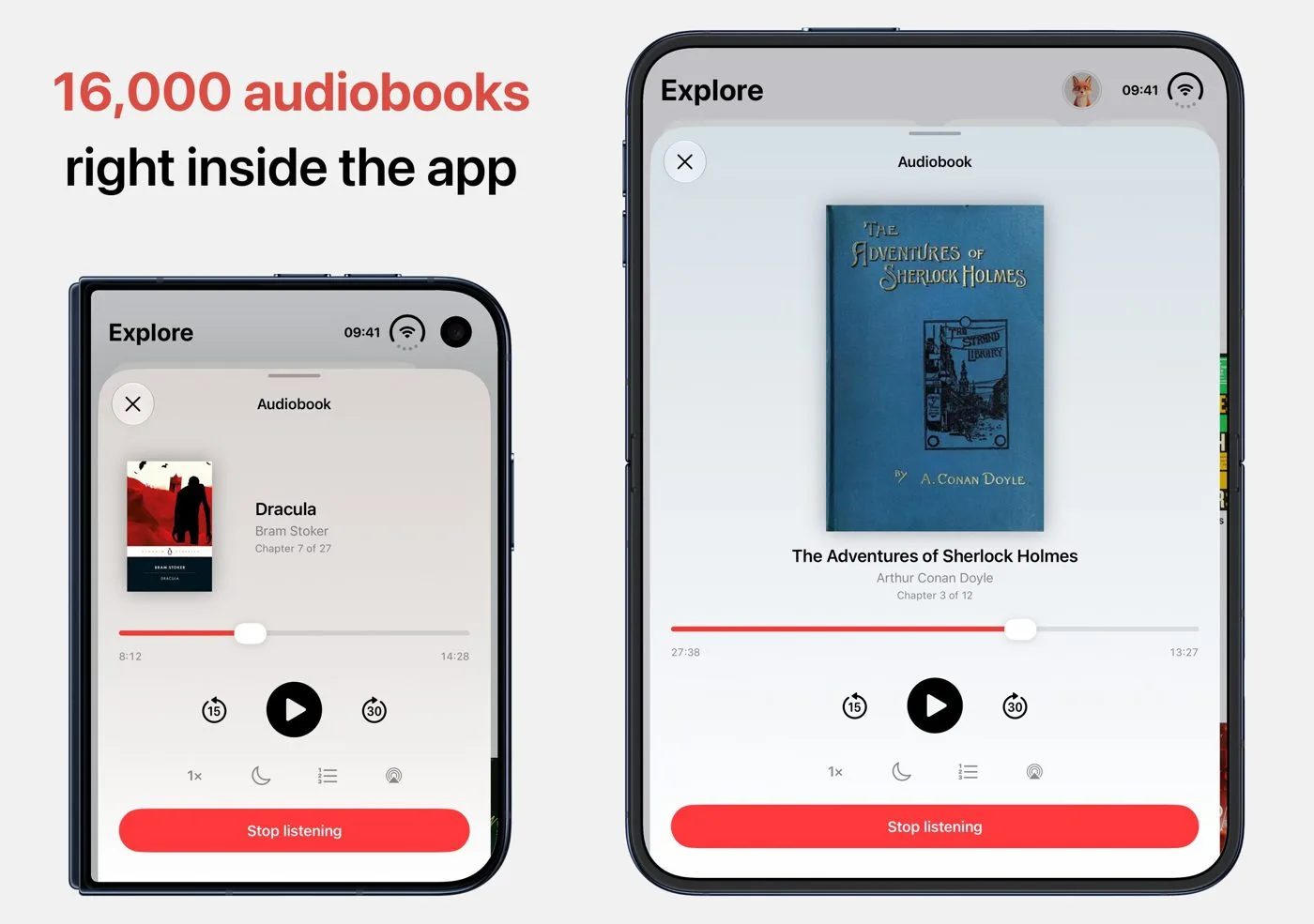
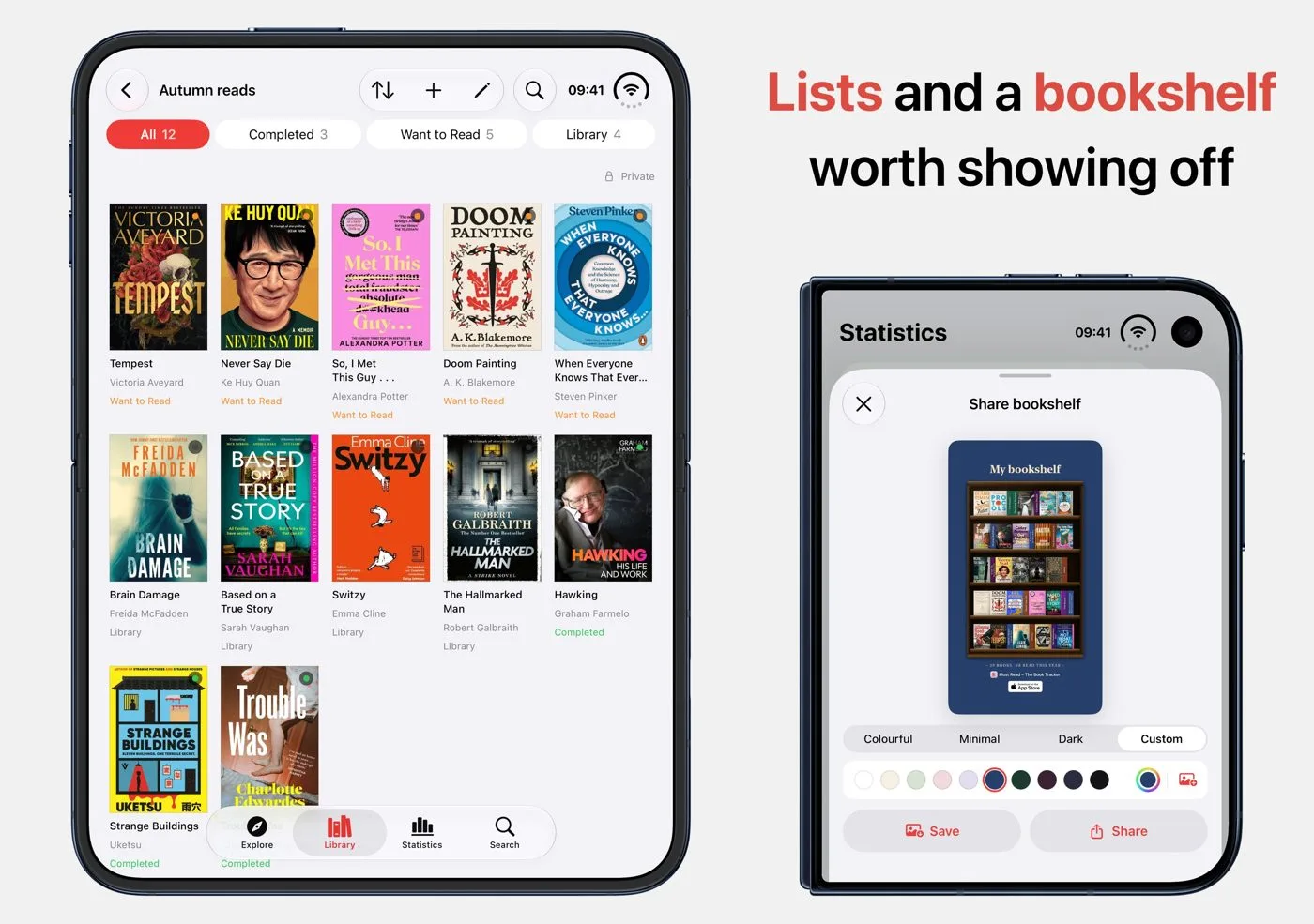
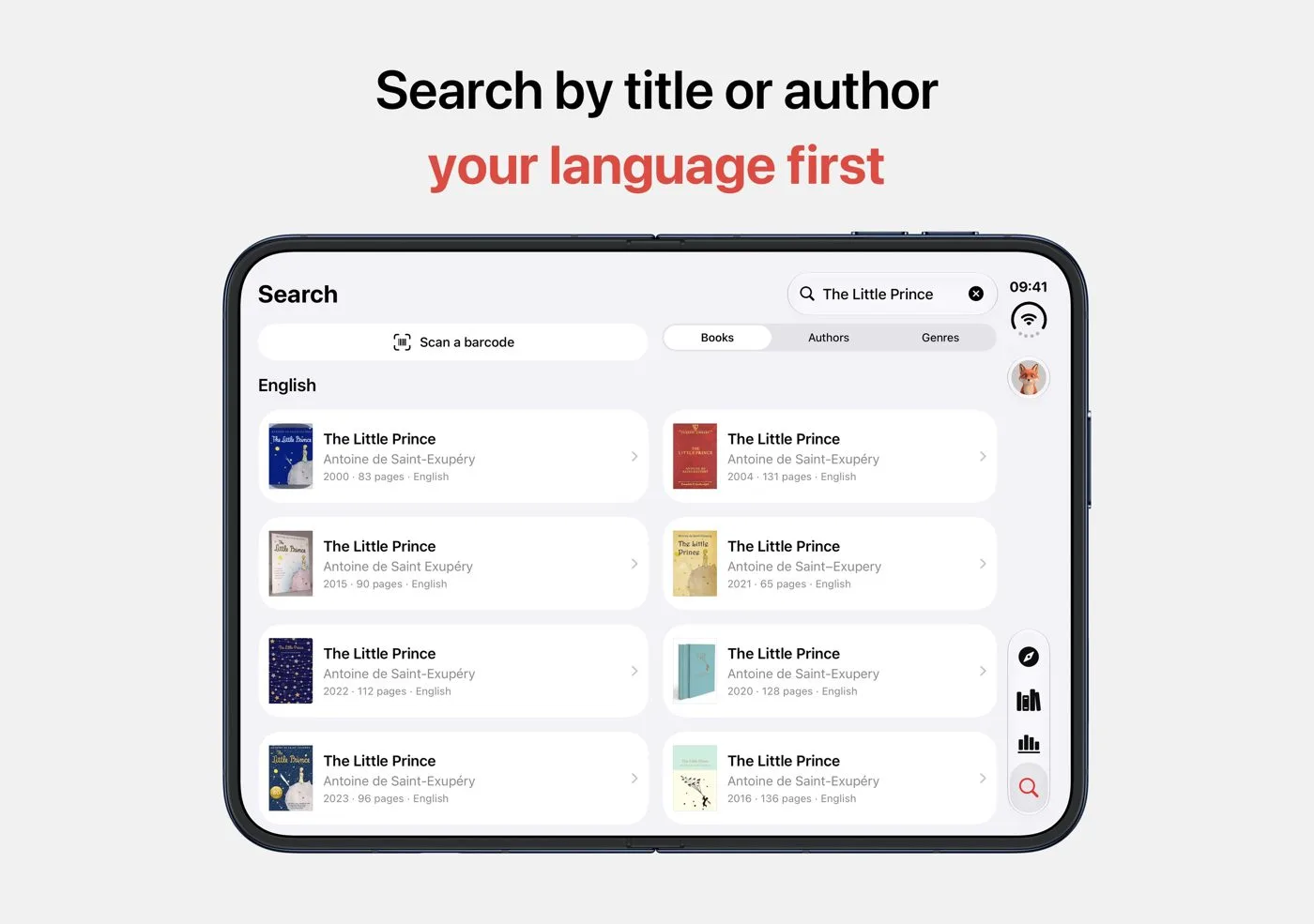
What the app does on iPhone Duo is in What's new in Must Read 3.7.
Ready to start reading?
Free with up to 10 books. Pro from $4.99/month or $79.99 lifetime.


iOS 18+ · iPhone, iPad and Apple Watch