How to catalog your home library with a barcode scanner
Typing 300 titles into anything is how cataloguing projects die. Scanning the barcode on the back cover takes about 2 seconds per book – shelf to database in an afternoon.
Why the barcode wins
The barcode on a book encodes its ISBN, which identifies the exact edition – so a scan pulls the right cover, page count and publication data in one hit. No typos, no wrong editions, no manual entry.
The scanning workflow
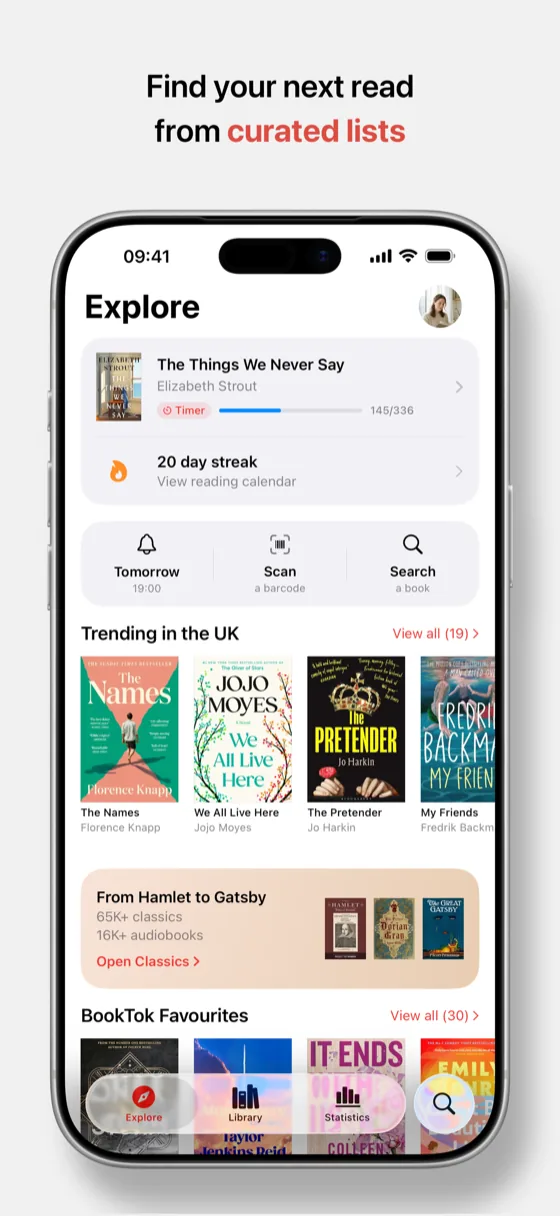
Open the scanner in Must Read, pick up a stack, and go: point at the back cover, wait for the tick, next book. Each scan lands the book in your library, ready to be sorted into Want to Read, Completed or a custom list. A few hundred books is genuinely a podcast-length job.
Books without barcodes
Pre-1970s books, small-press editions and well-loved paperbacks with worn covers will not scan. Search by title, author or – if the copyright page lists one – type the ISBN directly. Between scan and search, everything gets in.
Point the camera at the cover instead
On iPhones with Apple Intelligence you can skip the barcode entirely: aim Visual Intelligence at the front cover and Must Read takes you straight to that book. It is the faster route for hardbacks whose jackets hide the barcode, for library copies covered in stickers, and for a book spotted in a shop window. The barcode scanner is still the workhorse for a long cataloguing session, and it works on every supported iPhone.
After the catalog
Once the shelves are in, the library becomes useful: mark what you have actually read, build your TBR from what you have not, and share your bookshelf as an image when the project deserves showing off.
Quick answers
How fast is scanning a shelf?
Scanning captures the ISBN instantly and the book details fill in from the catalogue, so a shelf of paperbacks takes about a minute.
Which barcode does it read?
The ISBN barcode on the back cover – the standard EAN-13 that virtually every book since the 1980s carries.

Catalog a whole shelf before your coffee goes cold
- Free for your first 10 books
- Reading timer & Live Activity
- Stats, goals & streaks